Studio wizard
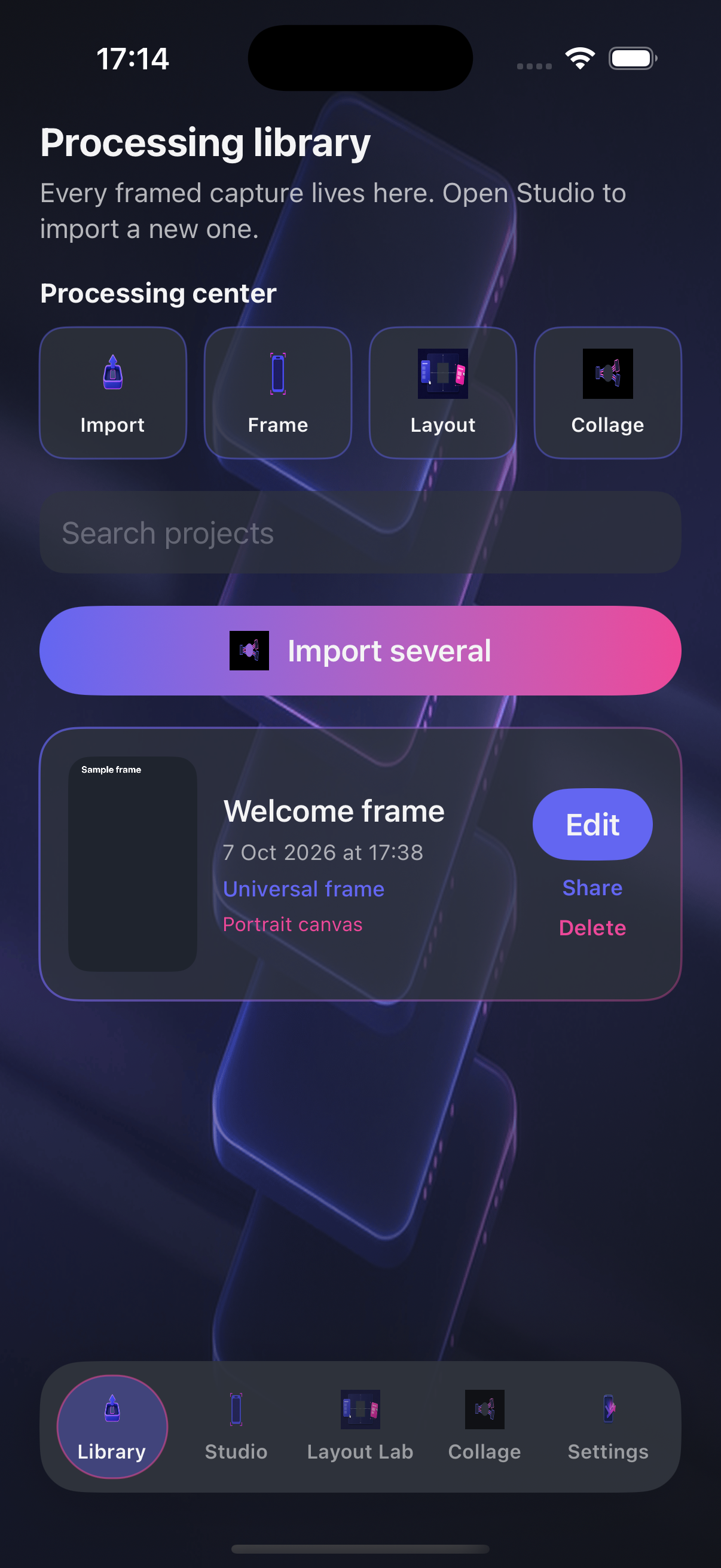
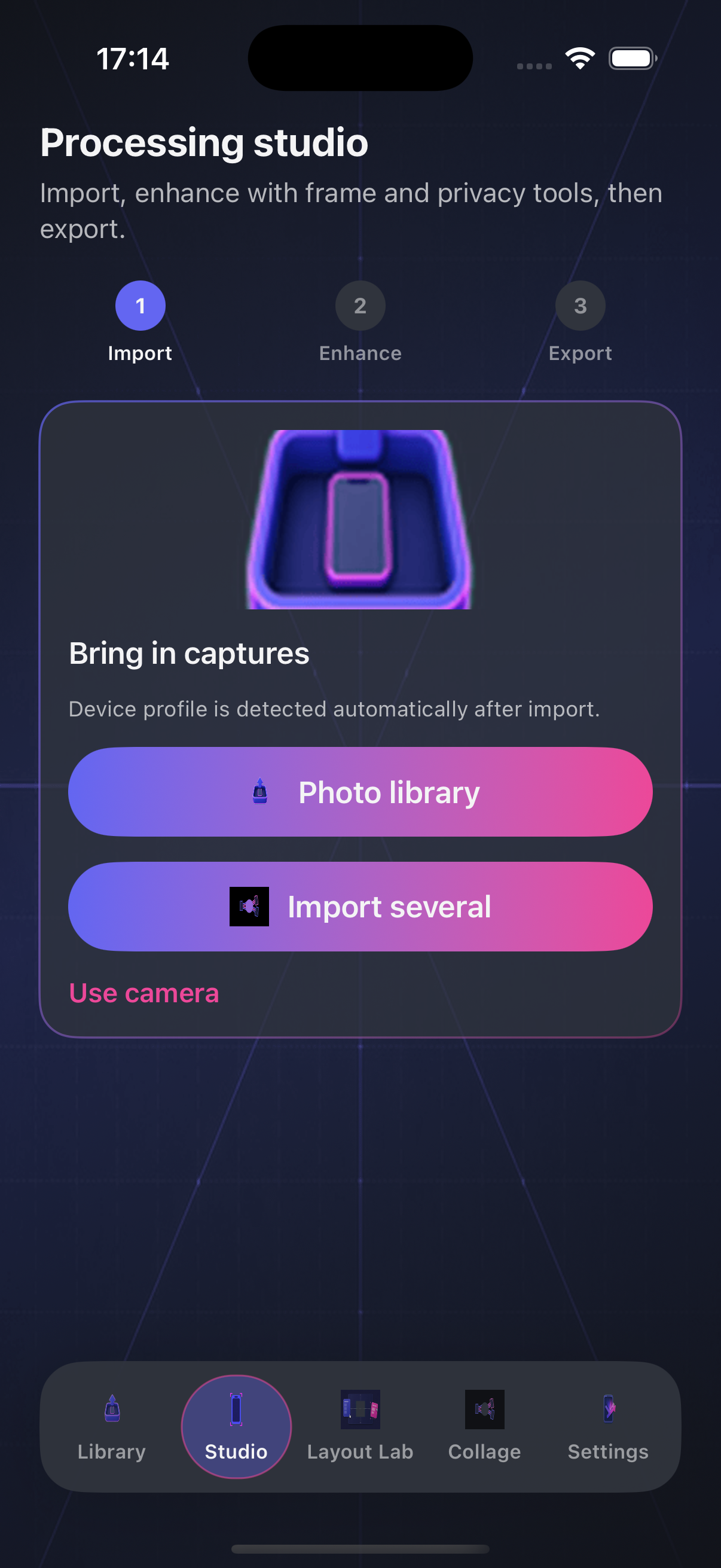
Import from Photos, auto-detect device profiles, then tune crop, bezels, shadows, captions, and privacy bars before export.
Screenshot framing toolkit
Turn raw captures into store-ready device frames, collages, and layout boards on iPhone and iPad.
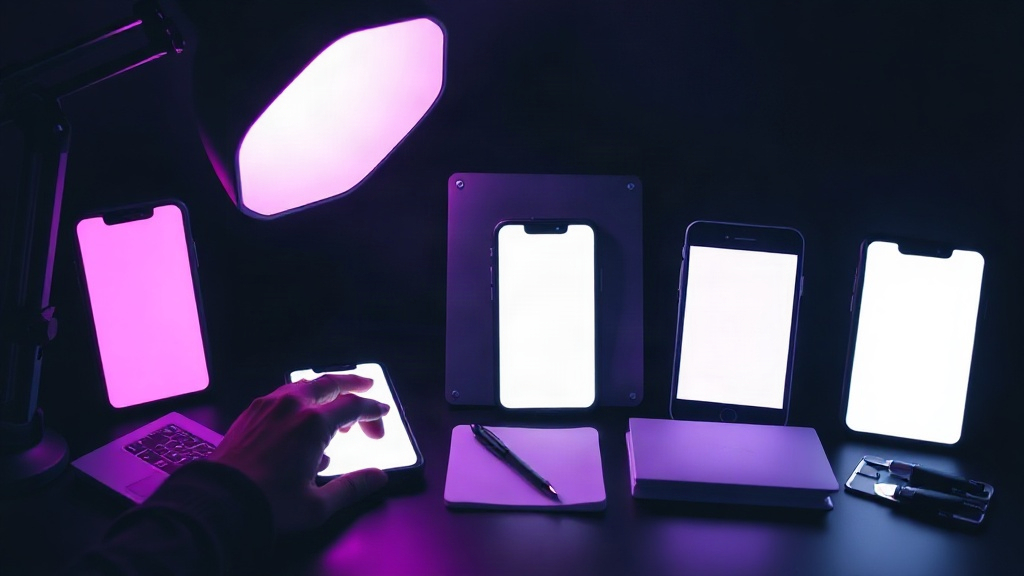
Four lanes from import to export — the same path you follow inside the app.
Import from Photos, auto-detect device profiles, then tune crop, bezels, shadows, captions, and privacy bars before export.
Every framed project stays searchable in Library — reopen edits, compare export sizes, and jump back into Studio in one tap.
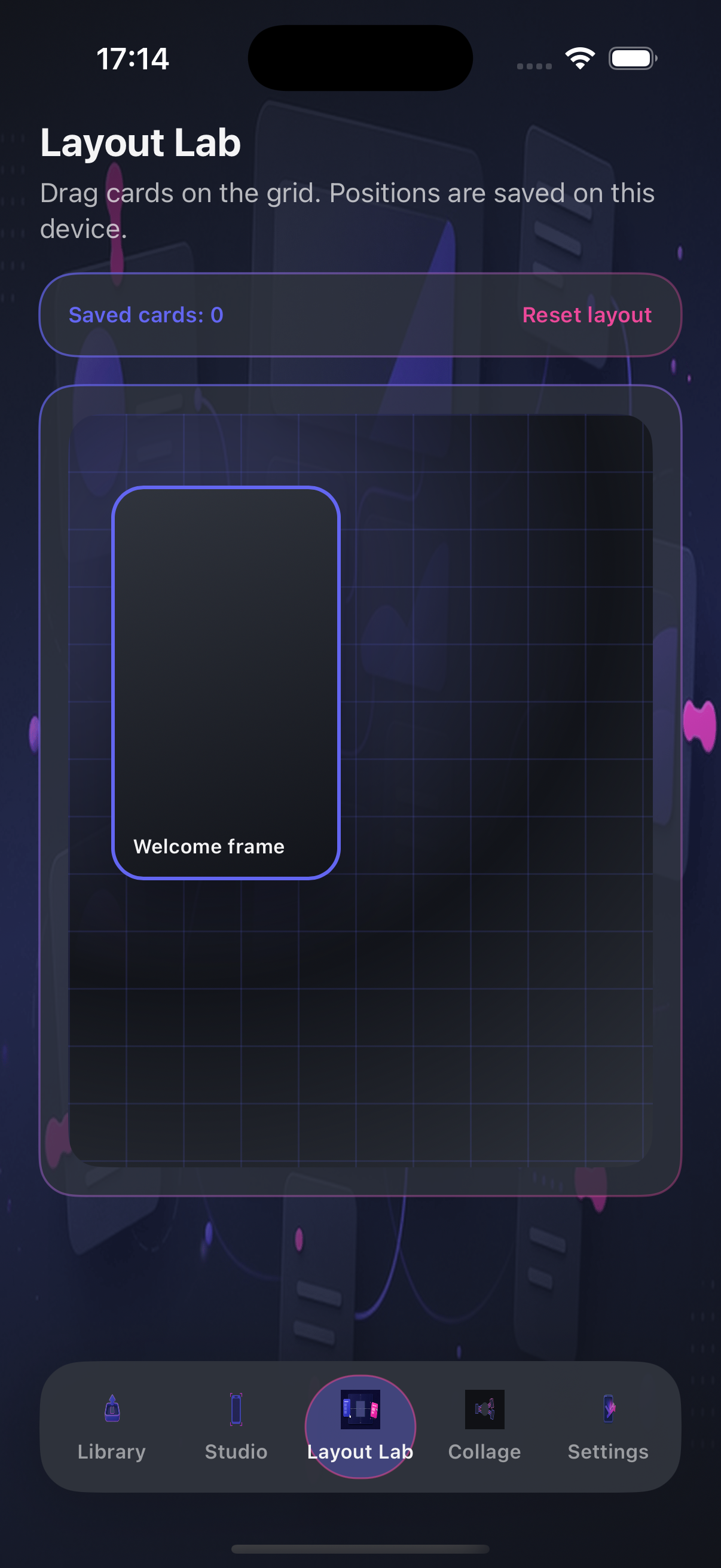
Drag framed cards on a web canvas to build feature grids or comparison slides without leaving the app.
Combine several exports into one shareable hero image when your store listing needs a single composite asset.
Effective date: October 9, 2026
ScreenToolssS is a creative utility for framing and exporting screenshots. The app processes images you choose from your photo library or camera roll on your device.
Projects, captions, layout boards, and exported files are stored locally on your iPhone or iPad unless you share them through system share sheets you initiate.
We do not operate a ScreenToolssS account system. The developer does not receive your photos, project titles, or exports through the app itself.
Layout Lab uses an embedded web view to render the drag canvas; layout JSON is saved on device. If you contact support by email, we use your message only to respond.
Updates to this policy will appear on this page with a revised effective date.
Questions about Studio, export sizes, or Layout Lab? Email us with your device model and iOS version.
djalmasmoreira@dsmflooringllc.org
ScreenToolssS · DSM Flooring LLC